These steps are for Android phones. On an iPhone? See the iPhone guide.
How it works
- Playroom is pretty smart about pulling in activity details, especially when everything is written out in the caption.
- If the caption is light or missing details, Playroom will use AI to watch the video and pull out the extra details it needs to fill in the gaps. Easy.
- 1
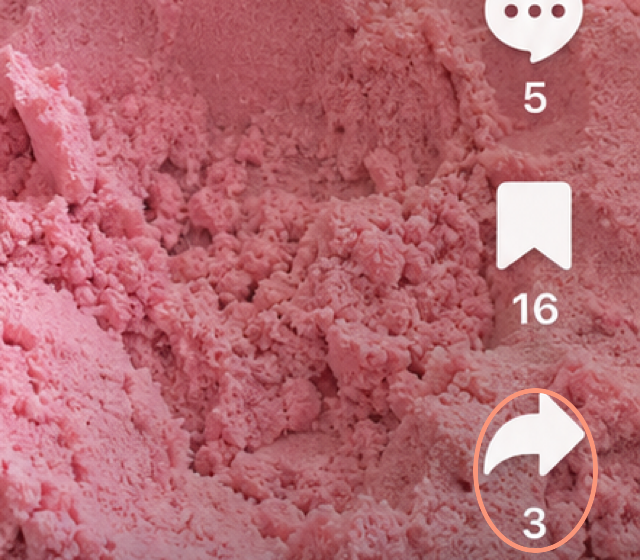
Choose the TikTok you want to import and tap the "Share" button.
- 2
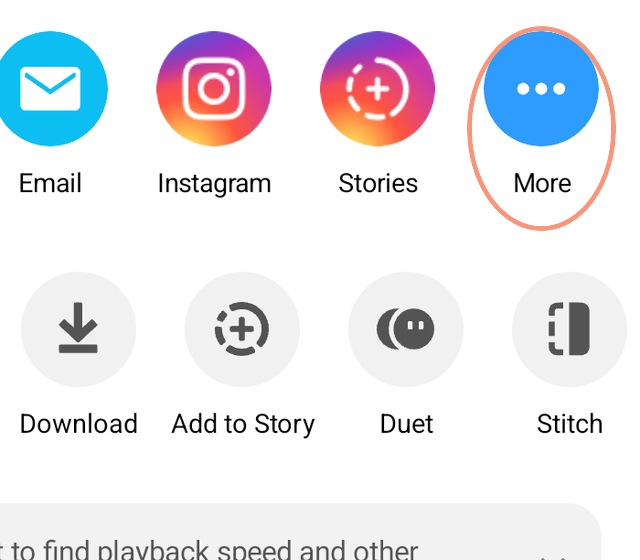
Scroll the top row of apps all the way to the right and tap "More." This opens the Android share sheet.
- 3
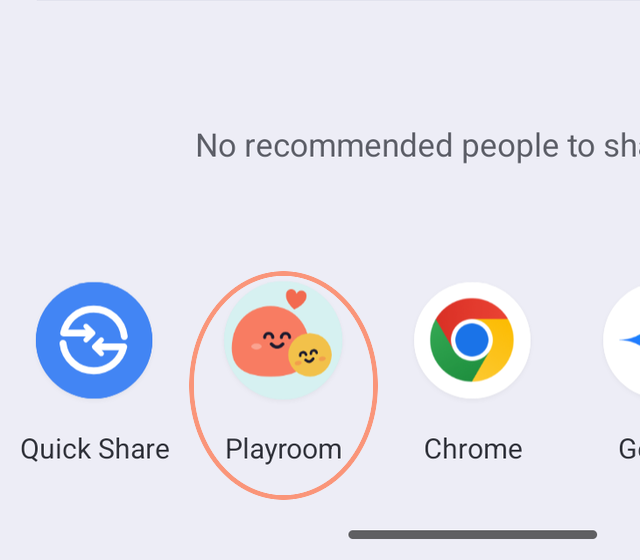
Choose "Playroom" in the Android share sheet. If it isn't in the first row, scroll down the list of apps to find it. To keep it at the front, press and hold Playroom and tap "Pin."