These steps are for Android phones. On an iPhone? See the iPhone guide.
How it works
- Playroom is pretty smart about pulling in activity details, especially when everything is written out in the caption.
- If the caption is light or missing details, Playroom will use AI to watch the video and pull out the extra details it needs to fill in the gaps. Easy.
- 1
Choose the pin you want to import and tap the "Share" icon.

- 2
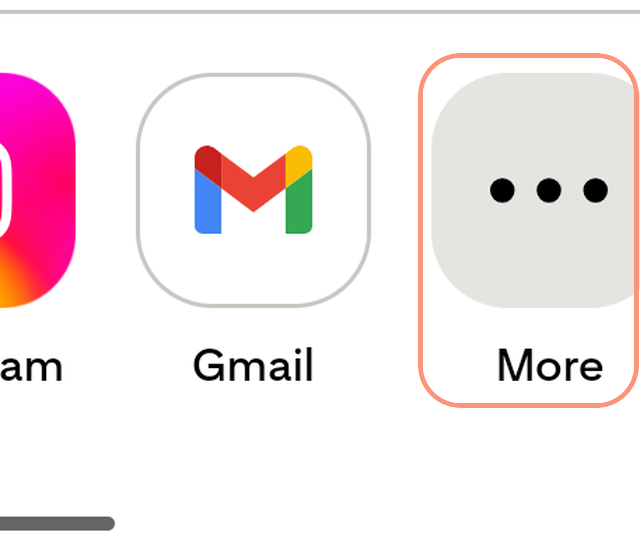
Tap "More." This opens Android's "Choose an app" list.
- 3
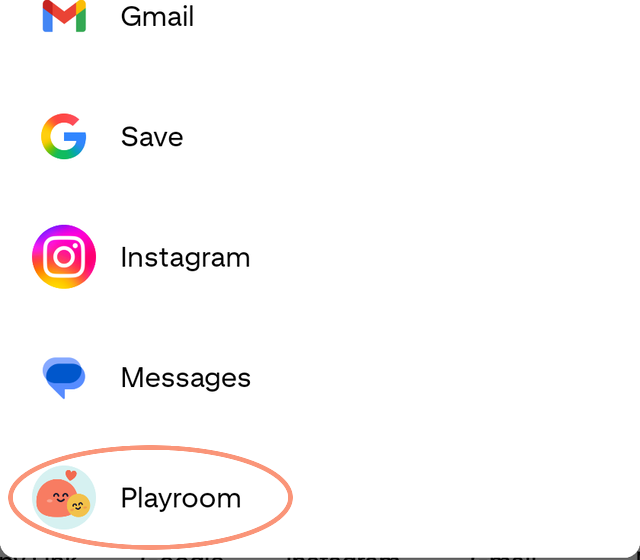
Pick "Playroom" from the list. If you don't see it, scroll down the list to find it.